
Growing Degree Units: Identify the Base and Temperature-Bounding Method; illustrative quantitative diagram
Define the quantity before calculating
Growing-degree calculations are not all defined the same way. A base temperature, upper rule and averaging method belong to the model, not just to its display unit. This tool explicitly bounds both temperatures before averaging so the stated method can be reproduced.
Use GDU Calculator — Growing Degree Units with the units and the basis stated on its form. Check what each input represents before carrying the output into another record.
Read the model explicitly
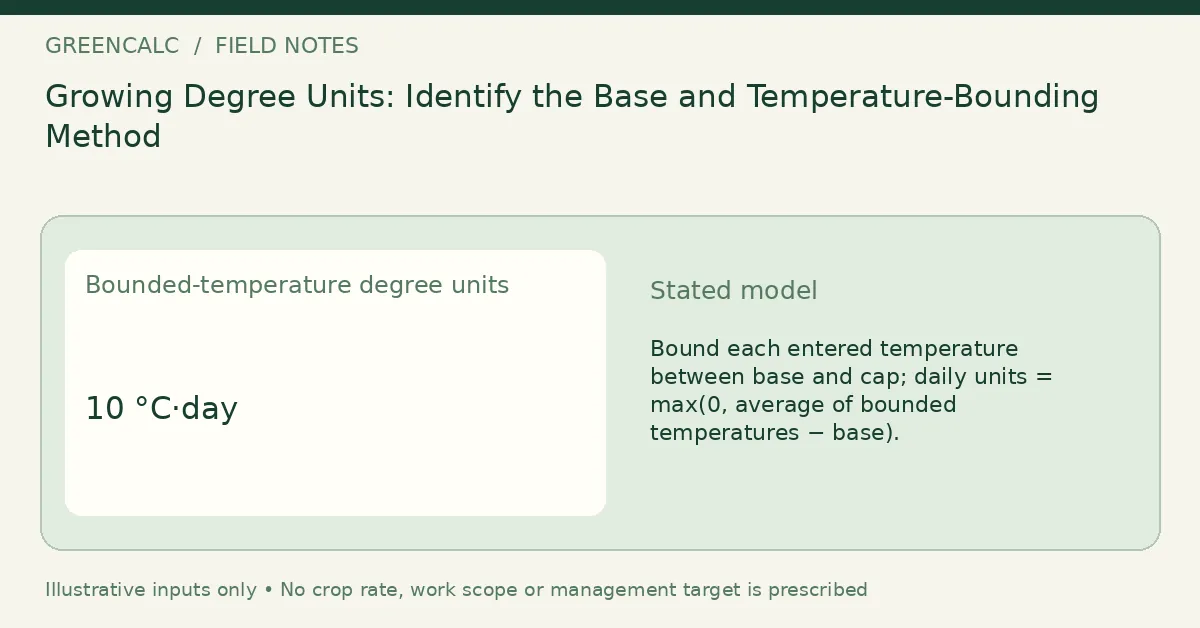
Bound each entered temperature between base and cap; daily units = max(0, average of bounded temperatures − base).
The Gardening and crops calculators group sits within Biology calculators. Keep a measured observation distinguishable from a hypothetical input when moving between its tools.
A worked unit check
| Input as labeled on the tool | Illustrative value |
|---|---|
| Daily minimum air temperature (°C) | 12 |
| Daily maximum air temperature (°C) | 28 |
| Entered base temperature (°C) | 10 |
| Entered upper temperature cap (°C) | 30 |
| Output from the illustrative inputs | Value | Unit |
|---|---|---|
| Bounded-temperature degree units | 10 | °C·day |
Record the original input and its unit with this result. Recalculate when the measurement basis changes; changing a unit label after calculation does not convert the quantity. More decimal places do not remove sampling or measurement uncertainty.
A related quantity
Daily Light Integral Calculator addresses a related part of the task. Check its own input definition before carrying a number across.
Continue with Accumulating Degree Units: Changing the Convention Changes the Record for the other part of this measurement question.
Return to GreenCalc for other subjects. Keep raw observations, chosen assumptions and calculated quantities identifiable so a later revision does not overwrite the basis of the original record.
By GreenCalc · Updated 2026-11-06